File upload
CSV, NDJSON and Parquet files, uploaded or dropped in object storage.
File upload is the shortest path from a spreadsheet export to a queryable dataset. Drag a file into the browser and Beetl creates a File connection and a Bronze dataset from it.
The mapping is one to one, and it is worth internalising early: one uploaded file is one File connection is one dataset. Ten files means ten connections, not one connection with ten files in it. Combining them is a pipeline job, not an upload job.
Accepted formats
Format is decided by the filename extension, lowercased.
| Extension | Dataset type |
|---|---|
.csv | Csv |
.parquet | Parquet |
.json, .jsonl, .ndjson | Json |
Anything else is rejected with UnsupportedUploadedFileFormat. There is no sniffing and no fallback to a binary type, so a CSV saved as .txt fails rather than landing as an unusable blob. Rename it and retry.
The three JSON extensions map to one dataset type. Newline-delimited JSON is the shape that reads cleanly.
The upload size limit
64 MiB per file
Both upload routes carry an axum body limit of 67,108,864 bytes, set by
FILE_UPLOAD_BODY_LIMIT_BYTES in crates/beetl-server/src/config.rs. This is a hard limit
on the HTTP body. It is not configurable per tenant, and there is no chunked or resumable
upload path around it.
A file over the limit is rejected by the transport layer, before any Beetl code runs, so the error you see is a body-size rejection rather than a Beetl error code. Split the file, or convert it to Parquet first. Parquet compression frequently takes a CSV that will not fit under the limit and puts it comfortably under.
Uploading
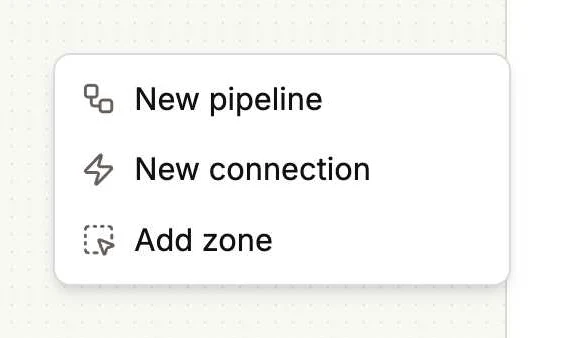
Right-click anywhere on the empty canvas and choose New connection.
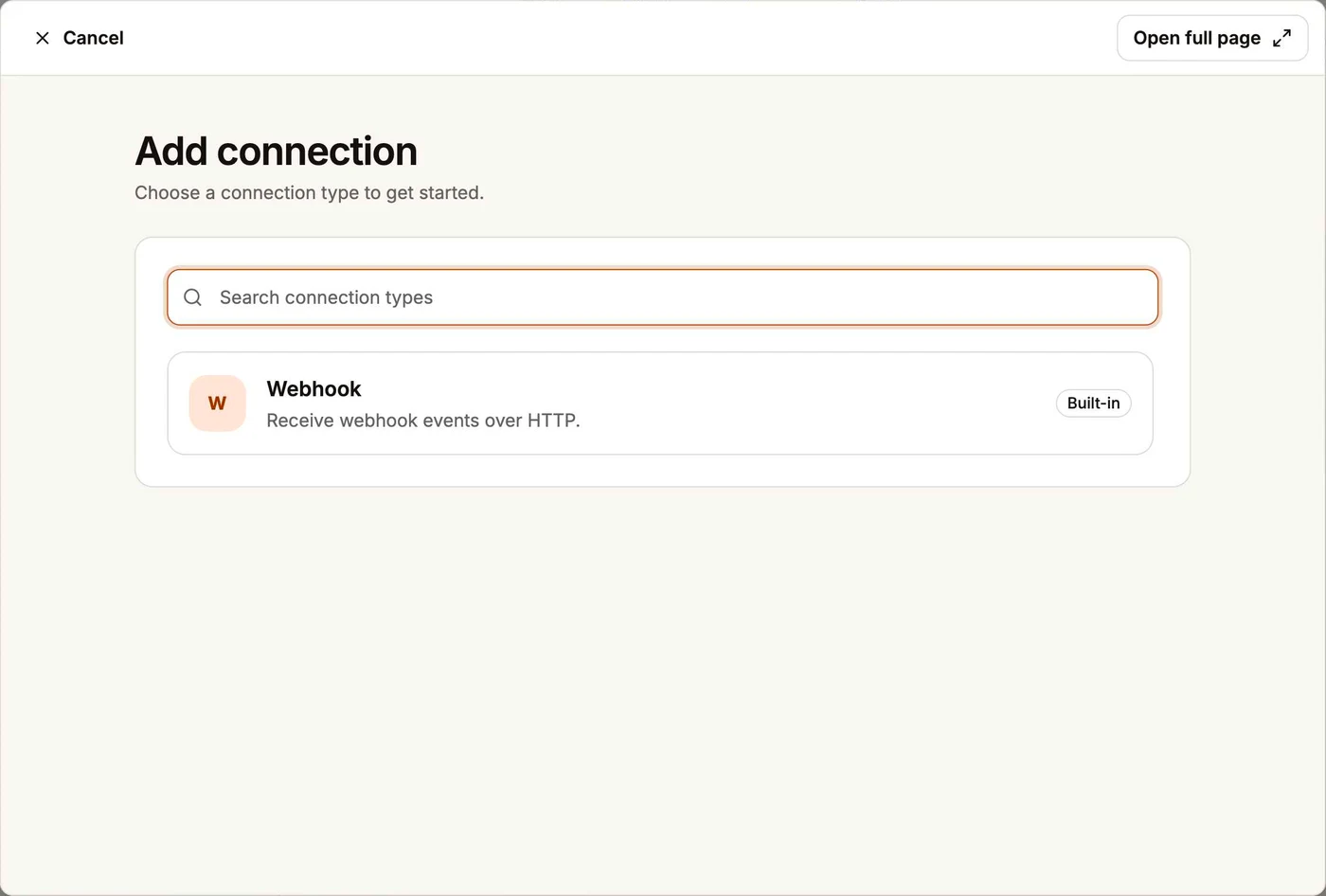
Pick File Upload. The dialog lists every system type Beetl supports, the same seven the source matrix is generated from.
Drag one or more files in. The browser accepts .csv, .json, .jsonl, .ndjson and .parquet.
Name each dataset. The name is suggested from the filename but you own it, and it is required. An optional description sits next to it.
Submit. The browser sends one POST per file to /web/-/connections/files, in sequence.
Bulk upload is a client-side loop, not a backend batch. Partial success is real: if file seven of ten fails, the first six are created and re-submitting the remainder picks up where it stopped.
Server-side, the ingest service owns the policy. It computes a SHA-256 checksum and byte size, extracts the Arrow schema, creates the Bronze dataset, uploads the bytes, and rolls the dataset back if any of those steps fail. Uploaded files write in Append mode.
Each File connection then carries first-class metadata: original_filename, file_format, byte_size, checksum_sha256, data_set_id, storage_location, uploaded_at and replaced_at.
Replacing a file
Open the connection and use the Replace control on the Uploaded File card. It posts to /web/-/connections/{connection_id}/file.
Replacement is schema-checked in the domain and rejects three cases: a connection that is not a File connection or is not Active, a file-type mismatch, and an Arrow SchemaMismatch. On rejection the old file stays active and queryable, so a bad replace does not cost you the dataset. A successful replace is recorded as a durable FileUploadRecorded event.
The schema check means a monthly export that gains a column will be rejected. That is deliberate. Handle it by creating a new connection rather than by forcing the swap.
The Replace control is hard to reach
It lives only on the connection detail page at /web/connections/{id}, and nothing in the
navigation links there. You reach it by typing the URL or via the Data Landscape graph.
Known limits
- Web only. The public API upload endpoint was removed.
POST /api/connectionsrejectssystem_type: FilewithFILE_CONNECTIONS_WEB_ONLY, andPOST /api/ingest/{source_id}rejects File connections withNOT_APPLICABLE. There is no scriptable upload path. - 64 MiB, hard. As above.
- No data preview. The success state is a count of created connections. To see what landed, query the dataset.
- Thin error reporting. Since the 2026-08-19 overhaul the bulk flow shows a shared spinner and a per-file "Uploaded" marker, with all errors collapsed into one page-level alert. Which file failed and why is not always obvious.
- Name collisions are checked client-side only. The uniqueness suggestion runs in the browser. There is no server-side recheck at commit.
- Object store first. With no object store registered for the tenant, uploads fail with
422 OBJECT_STORE_NOT_CONFIGURED.